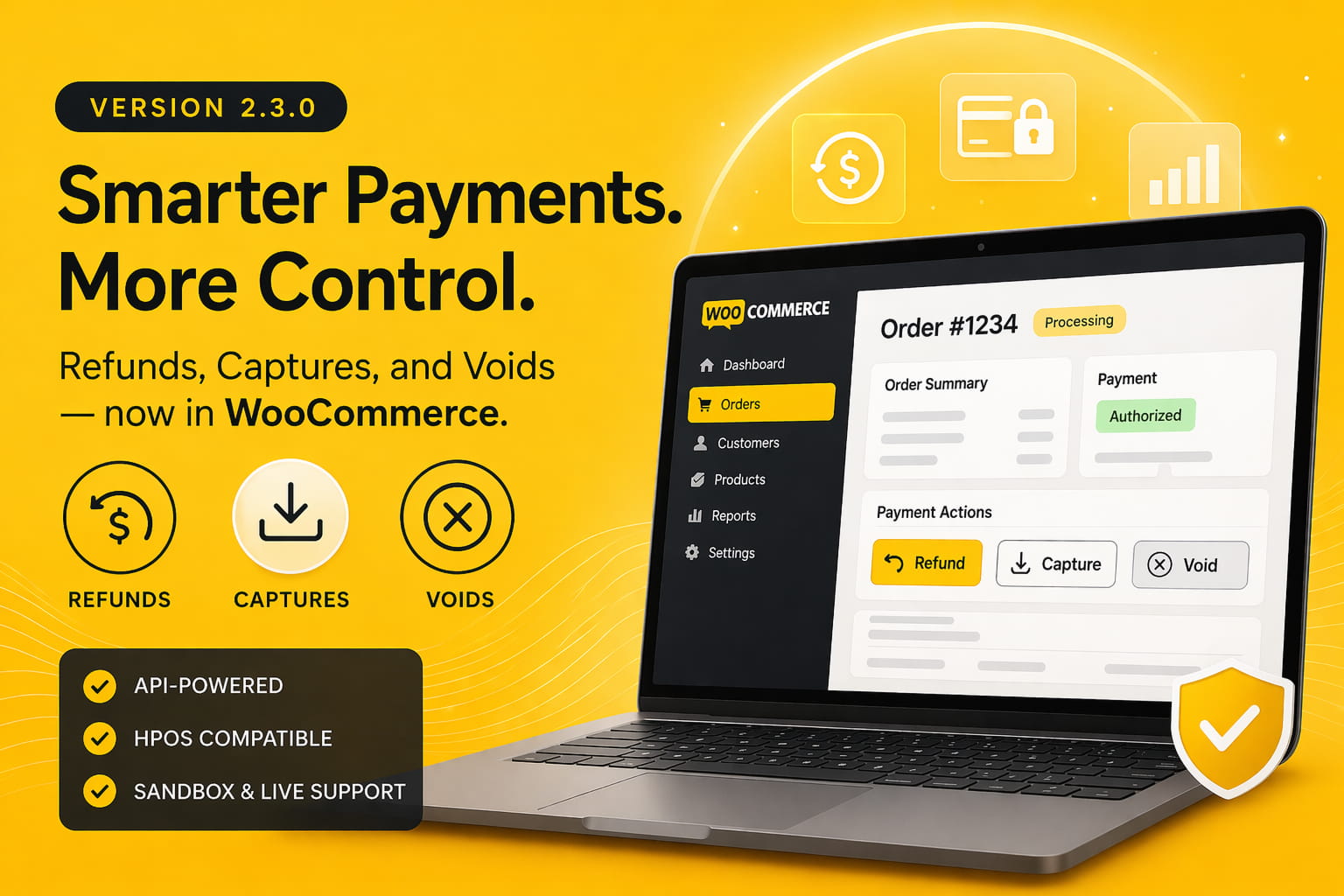
We’re excited to announce the release of version 2.3.0 of the Scotiabank Payment Gateway for WooCommerce plugin — and this one’s been a long time coming.
If you read our v2.2 announcement, you’ll remember that we listed refunds from within WooCommerce as a roadmap item. With v2.3.0, that’s no longer on the roadmap — it’s in your hands.
This release also brings a video walkthrough of the new features, a set of important compatibility and stability fixes, and a cleaner overall developer experience under the hood.
🎬 Video Walkthrough
⚠️ Prerequisites: API Access Must Be Enabled on Your Account
The features below are powered by the Scotiabank REST API — which is not enabled by default on all accounts. Before using refunds, captures, or voids from within WooCommerce, contact your Scotiabank representative and request that API access be enabled on your merchant account. Once it’s active, the plugin will handle the rest.
Refunds from within WooCommerce
You can now issue refunds directly from the WooCommerce order screen — no need to log into the Scotiabank merchant portal separately. When you initiate a refund in WooCommerce, the plugin calls the Scotiabank API and processes it on your behalf.
This is a significant quality-of-life upgrade for merchants and store managers who handle post-sale support.
Captures and Voids via the Scotiabank API
In v2.2, we introduced preauthorization — the ability to reserve funds at checkout and capture later. In v2.3.0, captures and voids are now fully powered by the Scotiabank REST API, making the entire pre-authorization workflow more robust and reliable.
In short: authorize at checkout → capture or void later, all from within WooCommerce.
Managing post-sale actions across multiple systems — your WooCommerce dashboard and the Scotiabank merchant portal — adds friction and increases the chance of mistakes. These API integrations keep your entire payment workflow in one place.
Whether you’re processing a refund for a returned item, capturing funds after a grocery order is confirmed, or voiding a pre-authorization that’s no longer needed, you can do it all without leaving WooCommerce.
Full Changelog — v2.3.0

New Features

NEW Refunds from within WooCommerce — processed via the Scotiabank API
NEW Captures for pre-authorized transactions — via the Scotiabank API
NEW Voids for pre-authorized transactions — via the Scotiabank API

Bug Fixes

FIX Fiserv API client now correctly switches between sandbox (certification) and live (production) endpoints based on the gateway sandbox setting — previously all API calls (refunds, captures, voids) were routed to the certification environment regardless of mode
FIX Shipping country was incorrectly populated with the billing country value
FIX Captures and voids now use WooCommerce order meta API for full HPOS compatibility — previously used WordPress post meta functions which do not work on HPOS-enabled stores
FIX Payment form display in checkout now uses WooCommerce order API instead of get_post_type() for HPOS compatibility
FIX Unknown or unsupported store currency now logs a clear error instead of causing a fatal error on the payment page
FIX Hash and form field arrays unified into a single source of truth — previously maintained as two separate arrays which could silently diverge and cause payment failures
FIX Invalid gateway timezone setting now falls back to UTC with a log entry instead of throwing a fatal error on the payment page
FIX Refund requests with a null or zero amount are now rejected early with a clear error instead of sending a zero-amount refund to the API
FIX Payment form rendering now guards against the gateway not being present in the available gateways list
FIX Block checkout label now uses wp.element.createElement consistently — previously used React.createElement directly which is not a guaranteed global in the blocks context
FIX Undefined _ reference in block checkout script replaced with window.wp.i18n._
FIX Block checkout now correctly passes the gateway supports array to the payment method registration
IMPROVE Block checkout payment method label now displays the gateway title in bold above the accepted card logos
Notable Fix: Sandbox vs. Live Endpoint Routing
HPOS Compatibility
WooCommerce’s High-Performance Order Storage (HPOS) replaces the traditional post-meta table with a dedicated orders table. Several internal functions were still using WordPress post meta functions that don’t work in HPOS-enabled stores. v2.3.0 updates these to use the WooCommerce order meta API throughout, making the plugin fully compatible with HPOS.
If you’ve already enabled HPOS on your store, this update is strongly recommended.
How to Update
ℹ️ Active Subscription Required Plugin updates are available to customers with an active WP Companion subscription. If your subscription is active, you’ll see the v2.3.0 update appear directly in the Plugins area of your WordPress dashboard — just like any other plugin update. If you don’t see it, check that your subscription is current in your WP Companion account.
If you plan to use the new API-powered features (refunds, captures, voids), make sure to run through this checklist first:
If you run into anything, reach out via our support portal.
What’s Still on the Roadmap
Tokenization remains the higher priority of the two, as it’s the foundation that recurring billing will build on. More on that in a future update.
Cheers! 🎉